




























Hidden Classroom
Introduction to Hidden Classroom
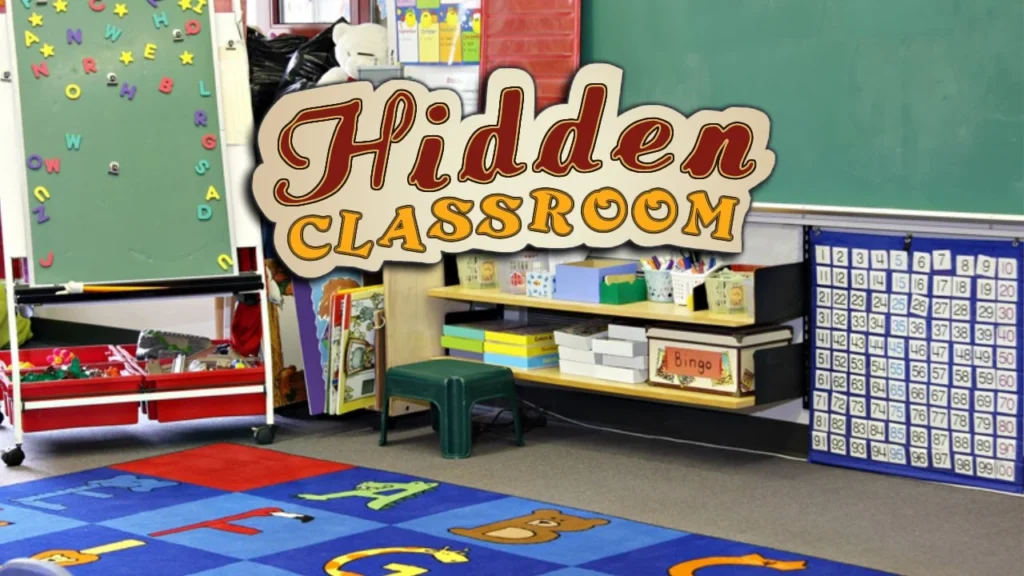
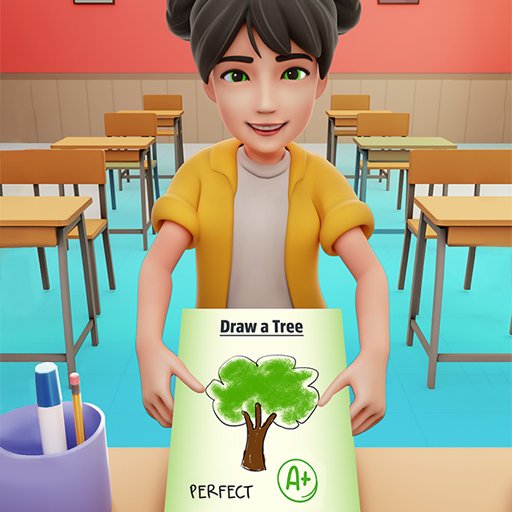
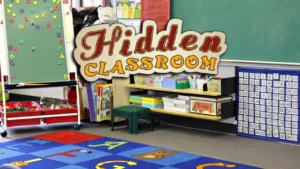
Step into the school hallway and tackle the ultimate post-class cleanup challenge! Welcome to Hidden Classroom, an engaging HTML5 hidden object puzzle game where sharp eyes and fast reflexes are essential. Set across a variety of messy school environments—ranging from elementary art rooms to high school science labs—this game tasks you with locating hidden school supplies, toys, books, and instruments scattered throughout chaotic scenes. Featured in our handpicked collection of free online puzzle games, it streams instantly in your web browser across desktop PCs, smartphones, or school Chromebooks with zero downloads or installations required.
Your objective in Hidden Classroom is simple yet demanding: scan the detailed classroom backdrop, check your required item panel, and locate every hidden object before the stage timer runs out. Utilizing pinch-to-zoom and click mechanics, you must inspect every desk, bookshelf, and chalkboard corner across 10 progressive levels!
Gameplay Mechanics & Search Rules
The core design of Hidden Classroom blends visual observation with high-stakes time management, capturing the addictive, rewarding loop found in top hypercasual games. Essential rules include:
- Item Finder Panel: The right-side sidebar displays the specific objects you need to find for the active stage, updating dynamically as items are cleared.
- Pinch & Drag Zooming: Pinch with two fingers on mobile screens or click and hold on desktop browsers to zoom in and out, allowing you to examine tiny details hidden behind larger furniture.
- Timed Level Structure: Every classroom level features a running countdown clock. Finding all objects quickly maximizes your remaining time bonus and raises your overall score.
- Hint System: If you get stuck looking for a well-camouflaged item, activate the on-screen hint feature. Use it sparingly, as taking hints deducts points from your total stage score.
- Misclick Penalties: Clicking or tapping repeatedly on random non-target areas wastes precious seconds, so inspect the scene carefully before selecting.
Key Game Features
- 10 Unique School Stages: Advance through diverse learning spaces, including art studios, music rooms, kindergarten playrooms, and library halls.
- Intuitive Zoom Controls: Smooth pinch, scroll, and drag mechanics make finding minute details effortless on both touchscreen and mouse setups.
- High-Score Leaderboards: Complete all 10 stages with speed and accuracy to post high scores and compete against other puzzle fans.
- Lightweight HTML5 Engine: Instant browser loading and crisp performance across mobile phones, tablets, and desktop computers.
Controls / How to Play
Searching through classrooms in Hidden Classroom is fluid, responsive, and intuitive, echoing the precise feel of classic arcade games:
- CLICK / TAP OBJECT: Click or tap directly on an item in the room to collect it once you spot it.
- PINCH / LONG TAP TO ZOOM: Pinch outward on mobile screens or hold down a long click to zoom closer into crowded desks and bookshelves.
- DRAG TO PAN: While zoomed in, click and drag across the screen to navigate around the room.
- ACTIVATE HINT: Tap the lightbulb or hint button in the side interface if you need assistance identifying a missing item.
Pro Strategies for Spotting Hidden Items
Rushing through scenes and clicking randomly will quickly drain your timer and lower your score. Apply these expert strategies to clear every classroom efficiently:
- Systematic Grid Scanning: Divide the classroom into four quadrants. Zoom in and scan section by section (top-left, top-right, bottom-left, bottom-right) rather than jumping around randomly.
- Match Object Shapes & Colors: Pay attention to the outline and color scheme of items listed in your target panel. Many objects are clever camouflaged against background decor of matching colors.
- Inspect Foreground & Background Layering: Check behind computer monitors, under desk chair legs, and along window ledges where small items like erasers, pencils, and rulers often hide.
- Save Hints for the Final Item: Try to locate 80–90% of the required items on your own. Only use a hint on the very last item if the level timer is about to run out to protect your overall score.
To learn more about the history, design philosophy, and cognitive benefits of visual search challenges, explore Wikipedia’s official Hidden Object Game history page.
Explore More Free Web Games
Once you have cleaned every desk, found all missing items, and cleared all 10 stages in Hidden Classroom, keep your observation skills sharp with our wide selection of free game categories:
- Puzzle Games – Test your logic with traditional solitaires, sliding block challenges, and spatial sorting games.
- Hypercasual Games – Enjoy fast, responsive one-touch titles built for quick play sessions and instant satisfaction.
- Arcade Games – Step up the tempo with retro token setups, popping ball arenas, and precision timing challenges.
- Racing Games – Master high-speed vehicles, drifting through challenging tracks where speed and timing determine victory.
Conclusion
The free web edition of Hidden Classroom delivers a delightful mix of visual observation, clever camouflage, and time-based puzzle solving. By scanning grids systematically, using zoom controls effectively, and saving hints for critical moments, you can complete all 10 levels with top scores. Zoom in on the room, find the hidden items, and clean up every classroom! Open your web browser, tap your first object, and play Hidden Classroom today!
Frequently Asked Questions (FAQ)
Is Hidden Classroom completely free to play online?
Yes, absolutely! Hidden Classroom is 100% free to play directly inside your web browser with zero hidden fees, app downloads, or account registrations required.
How many levels are available in Hidden Classroom?
Hidden Classroom features 10 distinct levels, each presenting a different school room layout filled with hidden items.
How do I zoom in on mobile devices or computers?
On mobile phones and tablets, use a two-finger pinch gesture to zoom in or out. On desktop computers, click and hold or use long-click gestures to adjust your view.
Can I play Hidden Classroom on a school Chromebook or mobile phone?
Yes, you can! Built using lightweight HTML5 technology, the game loads fast and runs smoothly across desktop web browsers, school Chromebooks, smartphones, and tablets.