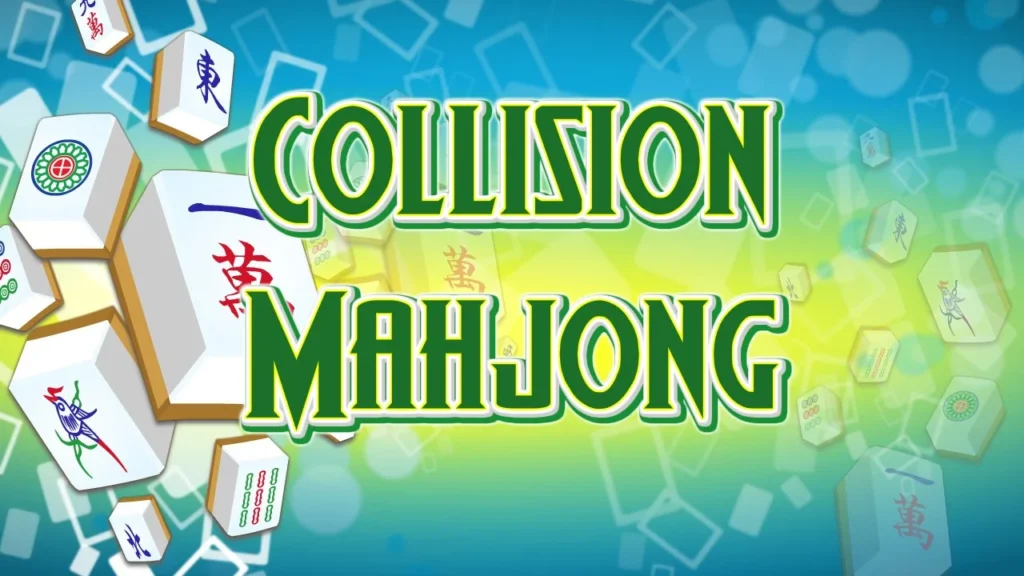















Mahjong Collision
Introduction to Mahjong Collision
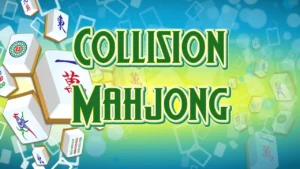
Get ready for a dynamic, movement-based puzzle challenge that combines classical tile visual recognition with slick sliding physics! Welcome to Mahjong Collision, an inventive online puzzle game designed for players who love spatial strategy and action-oriented matching mechanics. Instead of picking fixed pieces off a static pile, this title challenges you to manipulate open grid pathways, sliding tiles across the board so that matching pairs slam into each other. Featured in our curated library of free online puzzle games, it streams instantly inside your web browser on desktop PCs, smartphones, or school Chromebooks with zero downloads required.
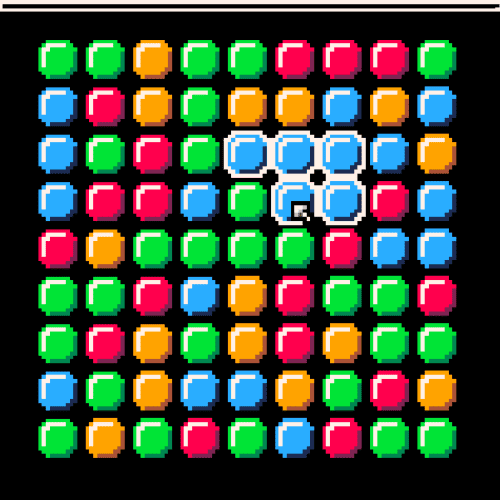
Your ultimate goal is to clear the board entirely by colliding 2 of the same tiles. Simply swipe or drag in any direction to send a tile sliding across the grid; it will continue moving until it hits a wall, an obstacle, or another piece. When two identical Mahjong tiles collide head-on, both vanish instantly! Plan your trajectory, line up your angles, and clear every pair off the field!
Gameplay Mechanics & Sliding Physics Rules
The core design of Mahjong Collision pairs fast-paced visual scanning with clever spatial trajectory logic, capturing the fast, satisfying loops found in modern hypercasual games. Keep these essential rules in mind to master every stage:
- Slide to Stop Motion: Swiping a tile sends it gliding across the board in a straight line until its path is blocked by a wall, obstacle, or another tile.
- Collision Clearance: When a sliding tile collides directly with an identical matching tile, both pieces vanish from the grid instantly.
- Non-Matching Blockers: If a tile slides into a non-matching piece, it simply stops in the adjacent grid space, altering the layout for future moves.
- Obstacle Grid Mapping: Use fixed walls and stationary tiles as stoppers to position pieces in line with their matching targets.
- Total Board Wipeout: Successfully eliminate every pair of tiles on the board to complete the level and unlock the next layout.
Key Game Features
- Physics-Driven Puzzle Gameplay: Replaces traditional tile Solitaire mechanics with direct swipe sliding and momentum-based matching.
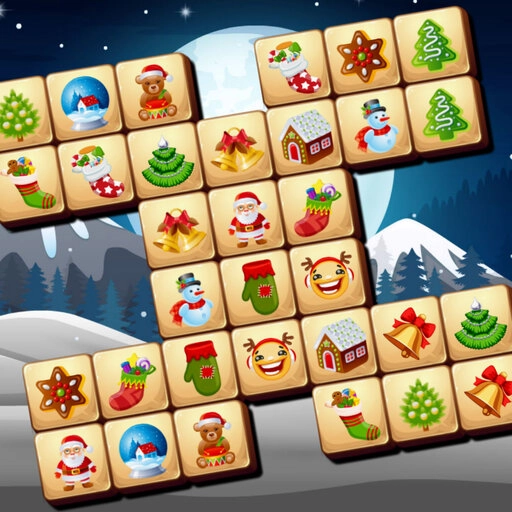
- Clean Visual Design: High-contrast Mahjong symbols and vibrant directional indicators ensure fast scanning and precise planning.
- Progressive Stage Layouts: Face increasingly complex grids featuring tight corridors, strategic obstacles, and multi-piece matching setups.
- Responsive HTML5 Engine: Optimized for smooth touch swipes on mobile devices and fluid drag controls on desktop web browsers.
Controls / How to Play
Controlling piece movement in Mahjong Collision is smooth and intuitive, delivering the responsive feel of classic arcade games:
- SWIPE / DRAG: Click and drag (or swipe on touchscreens) UP, DOWN, LEFT, or RIGHT across a tile to send it sliding across the board.
- ALIGN TARGETS: Slide tiles against walls or other stationary pieces to position them in direct sightlines of their matching pairs.
- TRIGGER COLLISION: Send a tile sliding directly into its identical match to remove both pieces from play.
- RESTART / UNDO: Use sidebar icons to quickly restart the current stage layout if you reach a dead end with no valid collision paths left.
Pro Strategies for Mahjong Collision Mastery
Sliding tiles aimlessly across the board can easily trap pieces against walls with no way to line up a direct collision path. Apply these expert tips to maintain complete control of the grid:
- Map Out Stopper Positions First: Before sliding a tile, identify which stationary pieces or walls will act as “stoppers” to leave your tile directly aligned with its match.
- Clear Inner Trapped Pieces First: Focus on removing central tile pairs early. Freeing up central grid spaces gives you open sliding channels across the entire board.
- Avoid Pushing Pieces Into Dead Corners: Be extremely careful when sliding tiles toward outer corners without a matching piece nearby—cornered tiles are notoriously difficult to rescue!
- Use Non-Matching Tiles as Temporary Bumpers: You don’t always have to slide directly into a match. Use non-matching pieces to stop your tile in a strategic spot, setting up a winning angle for your next turn.
To learn more about the rich history, structural variations, and cognitive benefits of tile-matching games, check out Wikipedia’s official Tile-Matching Video Game history page.
Explore More Free Web Games
Once you have mastered line trajectories, cleared all tile pairs, and set new personal records in Mahjong Collision, keep your mind sharp with our wide selection of free categories:
- Puzzle Games – Test your logic with traditional card solitaires, sliding block challenges, and spatial sorting games.
- Hypercasual Games – Enjoy fast, responsive one-touch titles designed for quick sessions and instant satisfaction.
- Arcade Games – Step up the tempo with retro token setups, popping ball arenas, and timed precision challenges.
- Racing Games – Take full control of high-speed vehicles, mastering tight corners and drift angles on competitive tracks.
Conclusion
The free web edition of Mahjong Collision offers a refreshing fusion of sliding puzzle mechanics, trajectory planning, and traditional Mahjong matching. By mapping out wall stoppers, utilizing non-matching tiles as temporary bumpers, and avoiding dead corners, you can solve even the trickiest sliding layouts. Watch the tiles glide, collide, and vanish! Open your browser window, swipe your first tile, and master Mahjong Collision today!
Frequently Asked Questions (FAQ)
Is Mahjong Collision completely free to play online?
Yes, absolutely! Mahjong Collision is 100% free to play directly inside your web browser with zero hidden fees, app downloads, or account registrations required.
How do tiles move in Mahjong Collision?
When you swipe a tile in any direction (up, down, left, or right), it glides continuously across the board until it hits a wall, an obstacle, or another tile.
Can I play Mahjong Collision on a school Chromebook or mobile phone?
Yes, you can! Built with modern HTML5 technology, the game loads fast and runs smoothly across desktop browsers, school Chromebooks, smartphones, and tablets.
What happens if a tile gets stuck with no valid moves?
If you slide a tile into a position where it can no longer hit its match or be reached by other pieces, you can instantly use the level restart button to reset the layout and try a new strategy.